How Can We Help?
Demo Install
Install the Kadence Starter Templates Plugin
Once the Child theme is installed and activated.
Admin Notice will be shown to install the Starter Plugin.
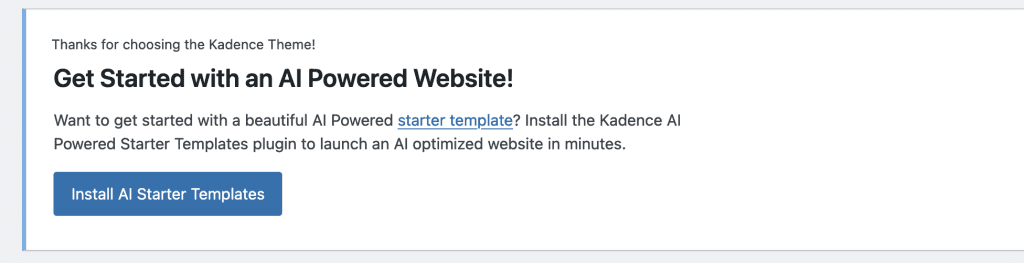
This plugin will help get all the demo content installed once we install our new Anchored Kadence Child Theme. .
Manually Install Plugin
- Navigate to Plugins > Add New.
- Search for Kadence in the Search bar and look for the one that says “Starter Templates by Kadence WP”.
- Install and Activate this plugin.
To know more about Installing plugin Click Here
Install Demo
- Go to Kadence > Starter Templates > Go to use Classic Starter Templates
- Choose Anchored Design
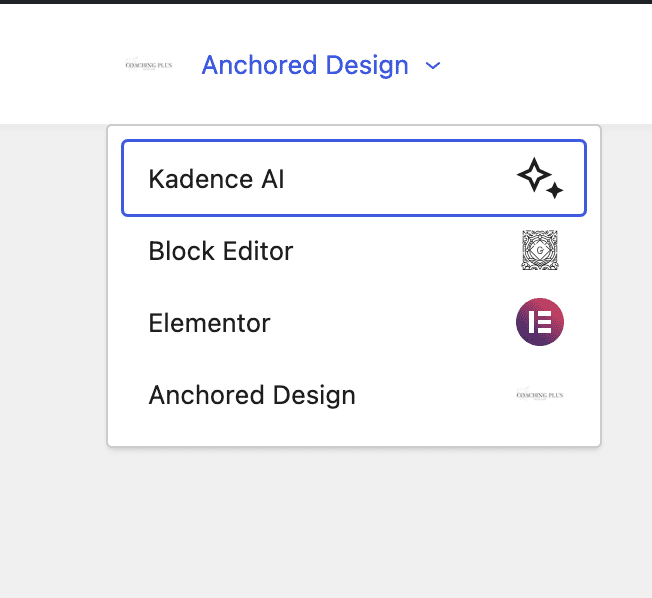
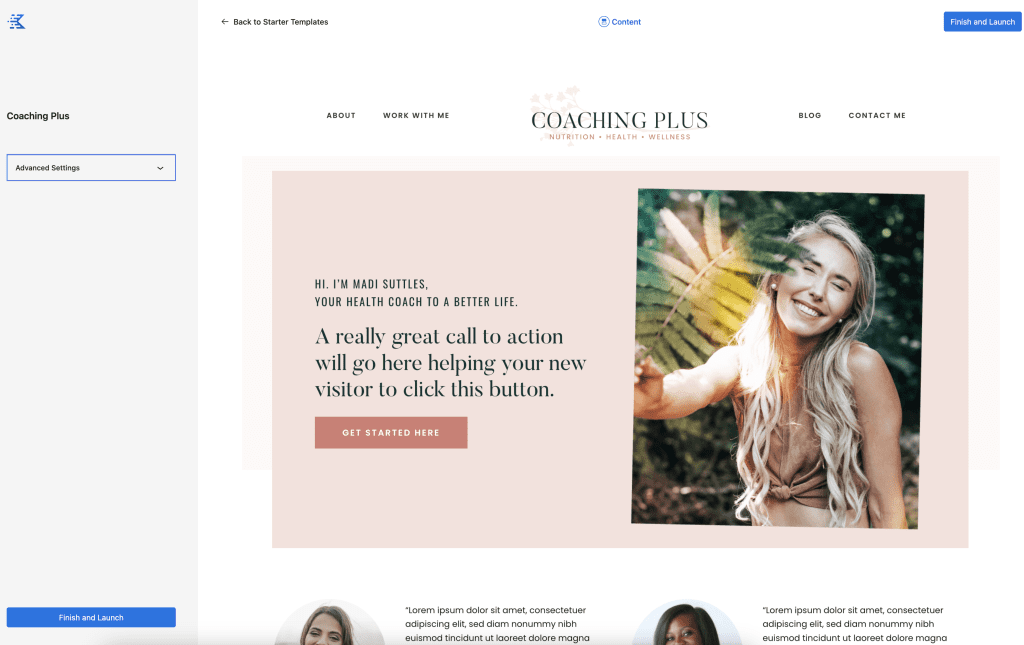
- Install Coaching Plus -> Finish and Launch
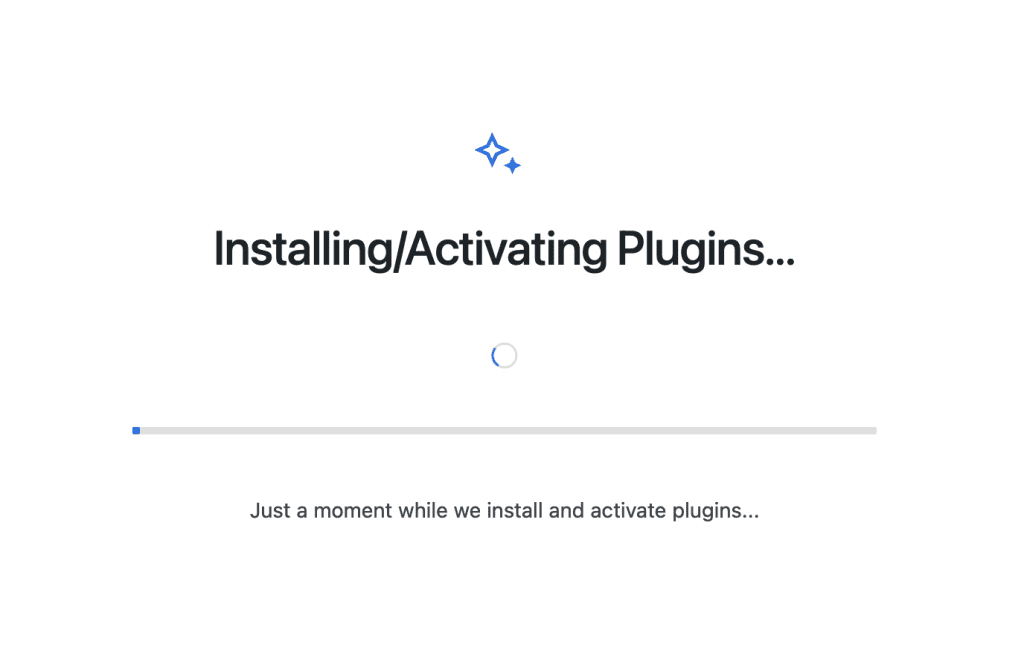
Wait while installing in progress
When WordPress is not freshly installed, demo posts not imported during one-click theme setup.
NOTE: Sometimes Featured images are not set on import because it’s how wordpress import works so you may need to set manually otherwise import works great.