How Can We Help?
Archive settings
If you use the One-Click Theme Setup, then everything will be set for you. You can learn more about Kadence Theme Customize Settings by going to the documentation.
Go to Admin > Appearance > Customize > Posts/Pages Layout
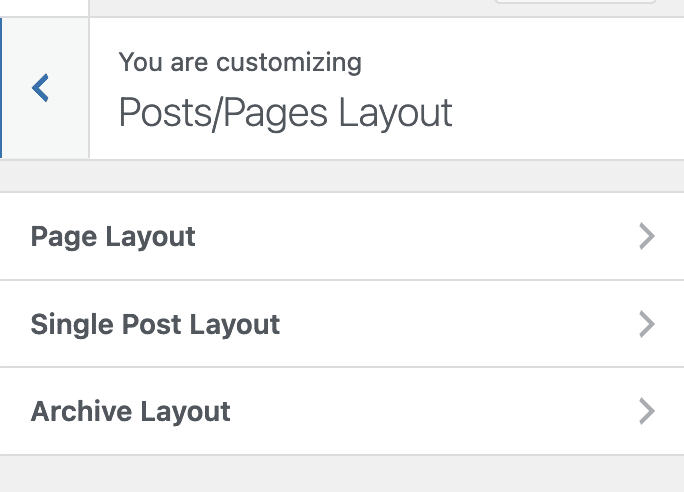
Archive Layout
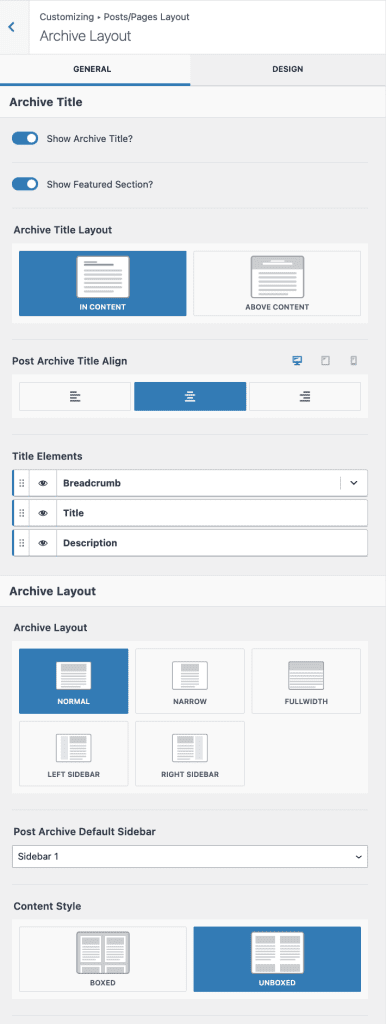
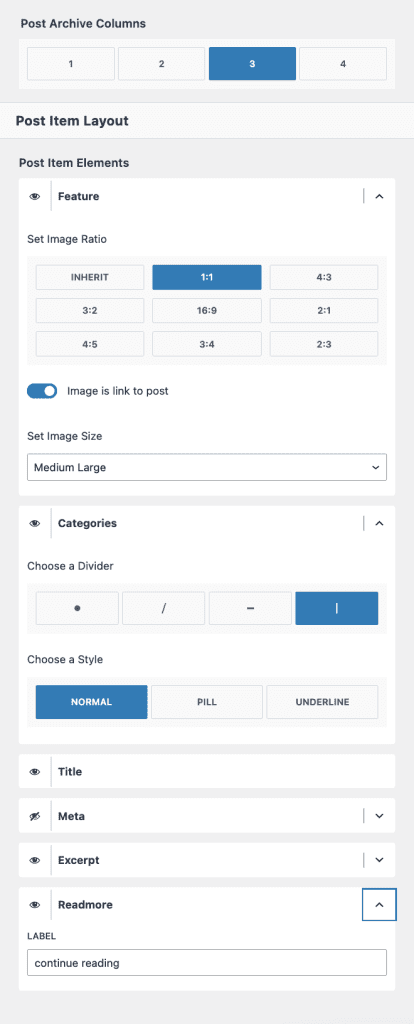
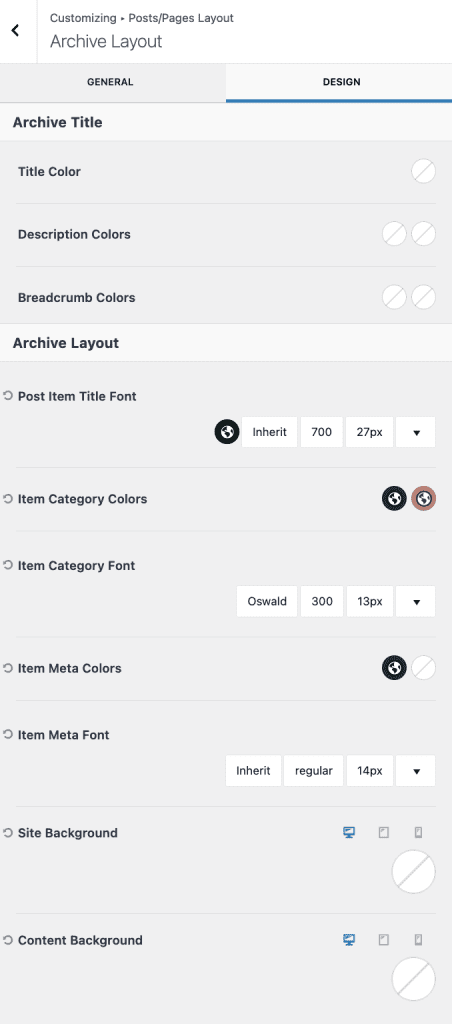
Set/Update necessary details for Archive Layout
GENERAL SETTINGS: Show Archive Title, Show Featured Section(First Full Width Post), Layout IN CONTENT, Title Align Center, Show Title, Breadcrumb, and Description, Page Layout Normal(taking the width of the theme without sidebar), Content Style UNBOXE, Grid Columns, Featured Image, etc…
DESIGN SETTINGS: Update as required
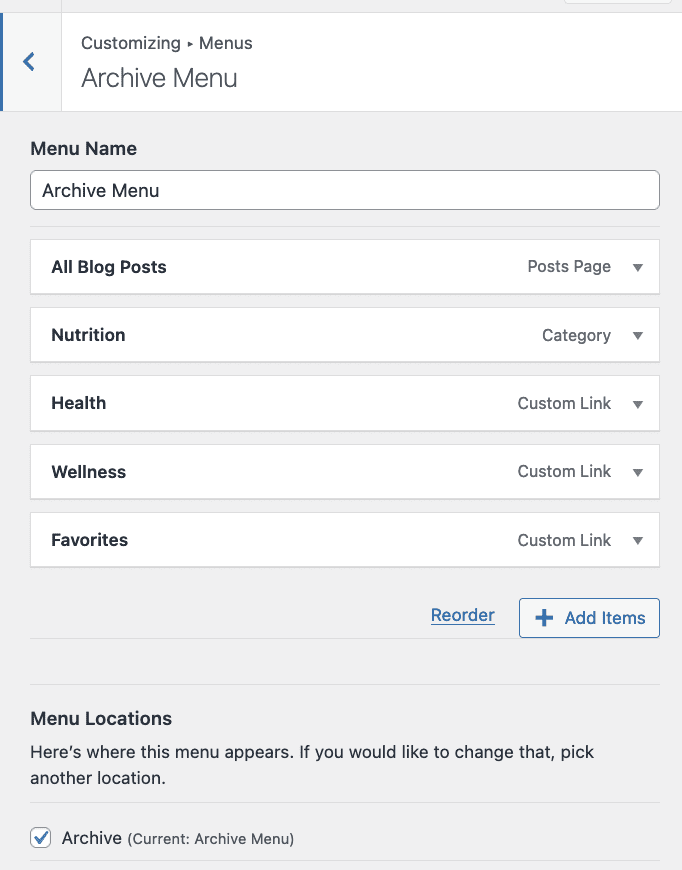
Go to Admin > Appearance > Customize > Menus > Archive Menu
Create or update Archive Menu as required
To know more about archive settings Click Here