How Can We Help?
Theme Color
If you use the One-Click Theme Setup, then everything will be set for you. You can learn more about Kadence Theme Customize Settings by going to the documentation.
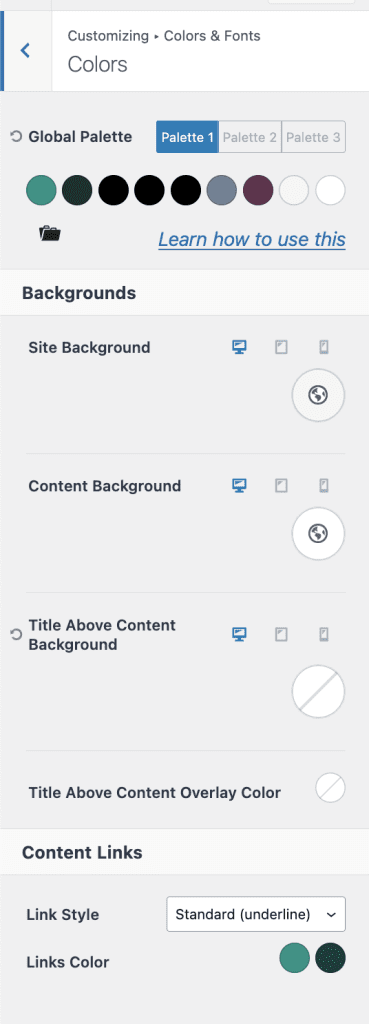
Go to Admin > Appearance > Customize > Colors & Fonts > Colors
Set/update color as required
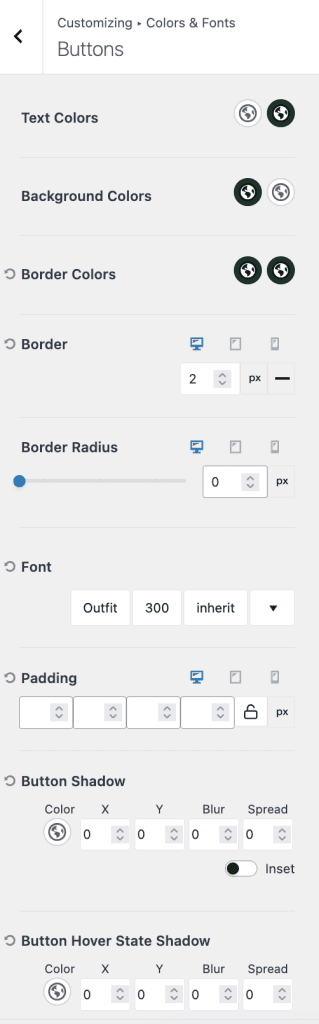
Go to Admin > Appearance > Customize > Colors & Fonts > Buttons
Set/update default buttons color and font settings.