How Can We Help?
Theme Typography
If you use the One-Click Theme Setup, then everything will be set for you. You can learn more about Kadence Theme Customize Settings by going to the documentation.
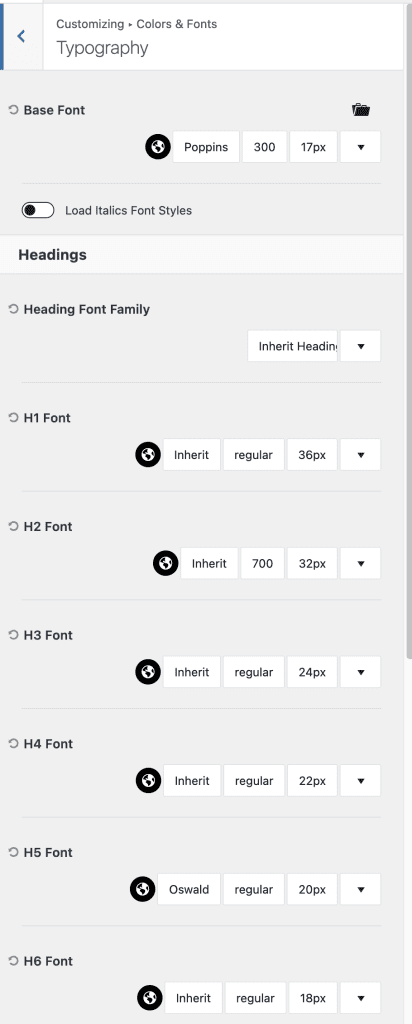
Go to Admin > Appearance > Customize > Colors & Fonts > Typography
Set/Update Fonts as required
- Base Font/Paragraph Font: Poppins (Google Font)
- Heading Font: Custom Font Butler come with Theme Files
NOTE: When changing from Butler to any other font, please change all Headings Font Type for H1, H2, H3, H4, H6, Single Post Heading, and Archive Heading too. - Update other Headings as required
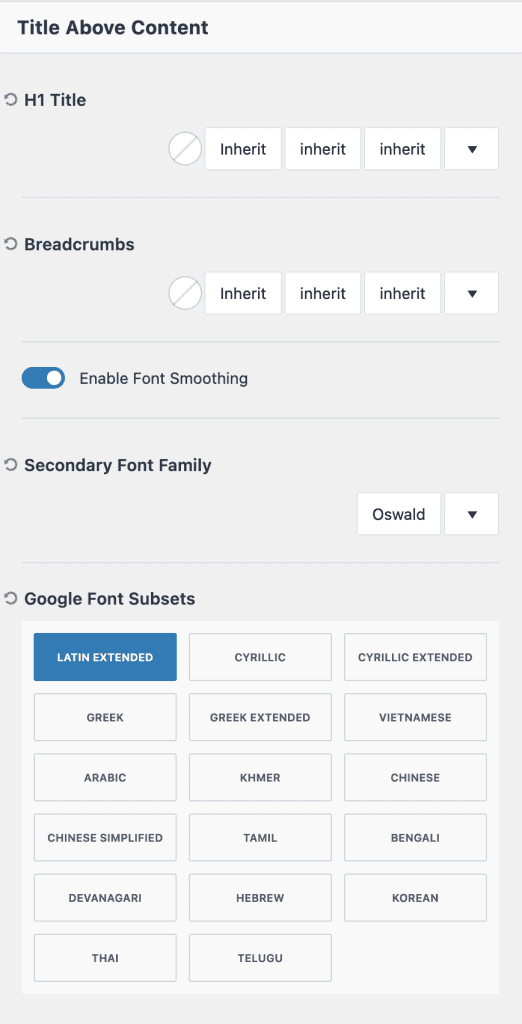
4. Title, Breadcrumb and Secondary Font Family for Some Sub Titles
To know more about Typography Click Here