If you use the One-Click Theme Setup, then the demo homepage will automatically be created for you using Gutenberg editor blocks. You can learn more about Genesis Blocks by going to the plugin page.
Everything we set with Container and Columns using Genesis Blocks
To edit the Contact, go to Pages > Contact and begin editing the blocks.
Custom CSS Classes
Some blocks have limitations or settings which are not yet available to configure so added Custom CSS Classes for some Blocks.
Page Settings
Select “Genesis” Icon and you will see other setting for genesis
Hide Title: Enabled
Layout: Full Width Content
#1. Top Section
Container
Align Full width
Padding Top 4% and Padding Bototm 1%
Margin Bottom 2%
Container Width 800px
Background Color #fcefeb
Inside Container
Heading H1 “Contact” and align center
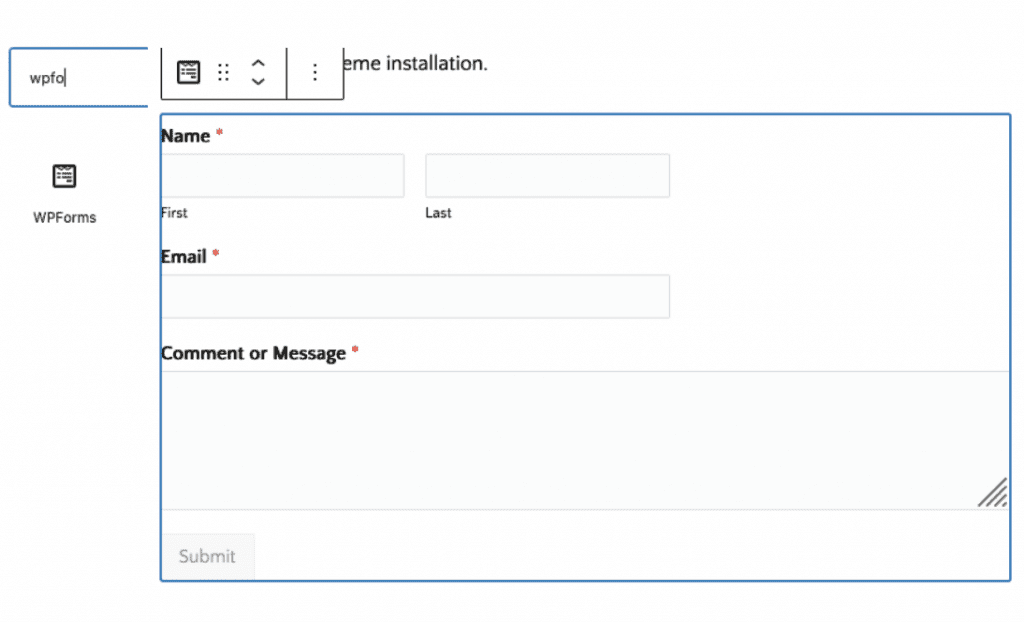
3. WP Forms Block for contact form display
If you have not created any Form yet, go to Admin > WPForms > Add New