The Blogger Theme includes Before Header Widgets, Header Right, Before Archive Widgets and Archive Internal Widgets areas as default.
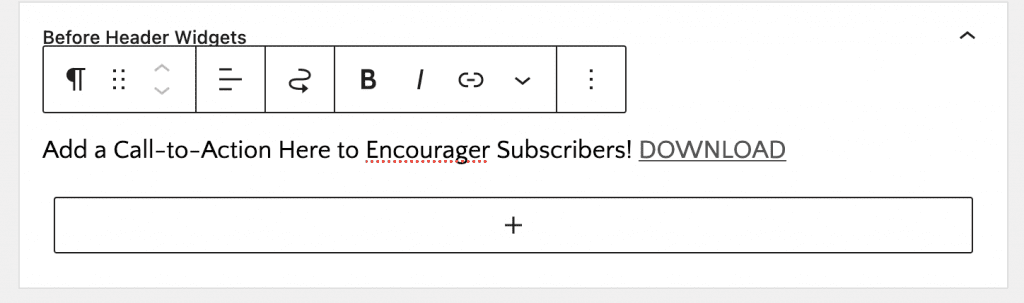
#1 Before Header Widgets
Go to Appearance > Widgets
Add Paragraph with text of your choice and link
Background Color can be managed at Appeance > Customize > Colors
#2. Header Right – at right side of Logo and above primary navigation
Go to Appearance > Widgets
Add Search to Header Right
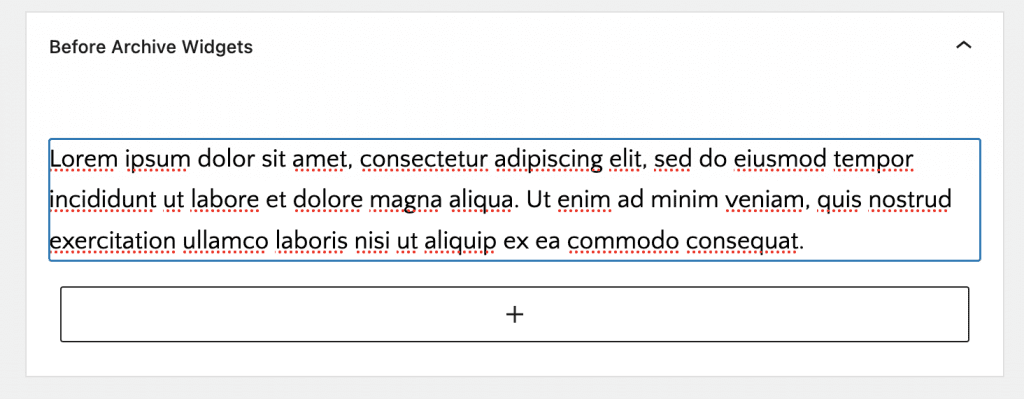
#3. Before Archive Widgets – at top of Blog(default blog archive) Page
Add Paragraph text of your choice
Background Color can be managed at Appeance > Customize > Colors
#4. Archive Internal Widgets – after 1 row of archive grid
Container
Padding Top and Bottom 2%
Margin Top 5%
Container Width 680px
Inside Container
Heading H3 with align center
Paragraph Text
Email Newsletter Block from Genesis Block which only connect to mailchimp right now
Configure settings <YOURSITEURL>/wp-admin/admin.php?page=genesis-blocks-settings at Admin > Genesis Blocks > SettingsEnter your mailchimp api key
Configure Block Settings as required
Demo Widgets
If you use the optional One-Click Theme Setup feature, demo widget content will automatically be added for you. The demo widget areas each contain a text widget.